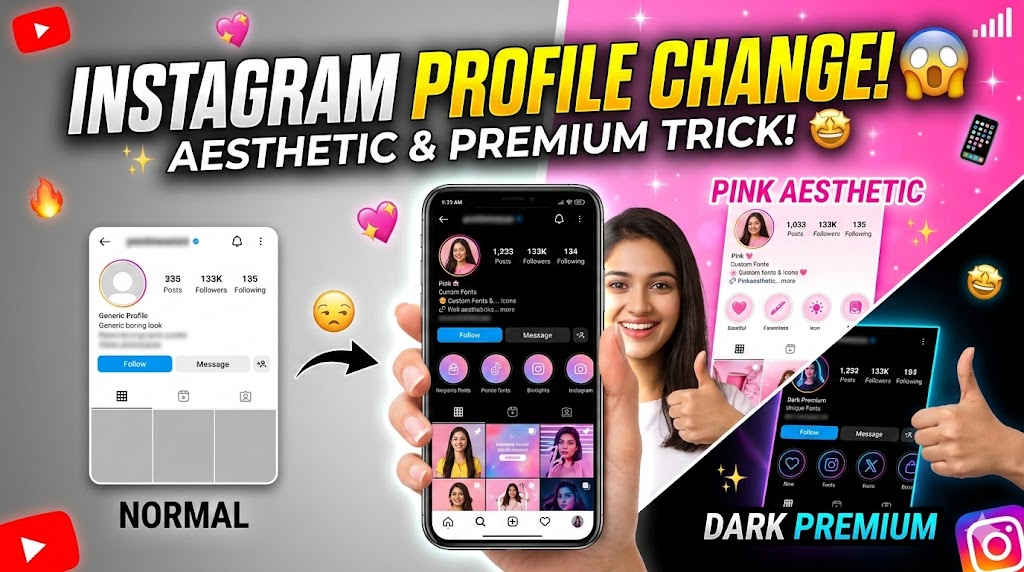

Secret Method: How to Customize Your Instagram Profile Theme in 2026
Is article me, hum aapko wo secret step-by-step process batayenge jisse aap apne Instagram app ka pura look change kar sakte hain. Welcome to the ultimate guide for Instagram customization!
Why Should You Customize Your Instagram Profile?
- Unique Identity: Lakho profiles ke beech aapki profile sabse alag aur premium lagti hai.
- Better User Experience: Aap apne favorite colors (jaise Pink, Dark Mode, ya Neon) ke hisab se app ko design kar sakte hain.
- More Followers: Jab log aapki unique profile dekhte hain, toh wo attract hokar aapko follow karne par majboor ho jate hain.
The Secret Tool: How Does It Work?
Official Instagram app me profile ka background color change karne ka direct option nahi hota (wahan sirf chat themes hoti hain). Isliye, pro creators aur tech experts Advanced Mod Apps (jaise Honista ya AeroInsta) ka use karte hain. Ye apps bilkul Instagram ki tarah kaam karte hain, lekin inme 100x zyada customization features hote hain.
Step-by-Step Full Process to Change Instagram Theme
Step 1: Download the Customization App
Sabse pehle aapko ek trusted custom Instagram app download karna hoga (Example: Honista). Ye app Play Store par nahi milta, isliye ise official website se download karein.
Step 2: Login to Your Account
App install karne ke baad, ise open karein aur apne Instagram username aur password se login karein. (Note: Security ke liye hamesha apne account me Two-Factor Authentication ON rakhein).
Step 3: Access the “Magic” Settings
Login karne ke baad, aapko top right corner par ek ‘Settings/Magic Wand’ icon dikhega. Us par click karein aur ‘Theme & UI’ section me jayein.
Step 4: Choose Your Favorite Aesthetic Theme
- Theme Store: Yahan aapko hundreds of pre-made themes milengi.
- Apply Theme: Agar aapko Pink aesthetic chahiye, toh ‘Pinky Girl’ ya ‘Rose Gold’ theme search karke Apply par click karein.
- Restart App: Theme apply hone ke baad app ko ek baar close karke dobara open (restart) karein.
Step 5: Customize Fonts & Icons (Optional)
Aap chahein toh is app ke ‘Display Settings’ me jakar Instagram ka font style aur app icon bhi change kar sakte hain. Boom! Ab aapka Instagram interface 100% unique ho chuka hai.
Final Words
Instagram profile ko customize karna ab koi bada rocket science nahi hai. Upar diye gaye steps ko dhyan se follow karein aur apni profile ko ek premium look dein. Agar aapko setup karne me koi problem aa rahi hai, toh niche comment box me apna sawal zaroor puchein.
Aise hi advanced tech hacks aur online growth tips ke liye hamare blog ko follow karte rahein!



My profile yellow